
Manage donations, not spreadsheets.
Donor Dispatch is the complete donation management platform built for nonprofits and thrift stores. Donors submit pickup requests online. You review, assign, and track — all in one place.
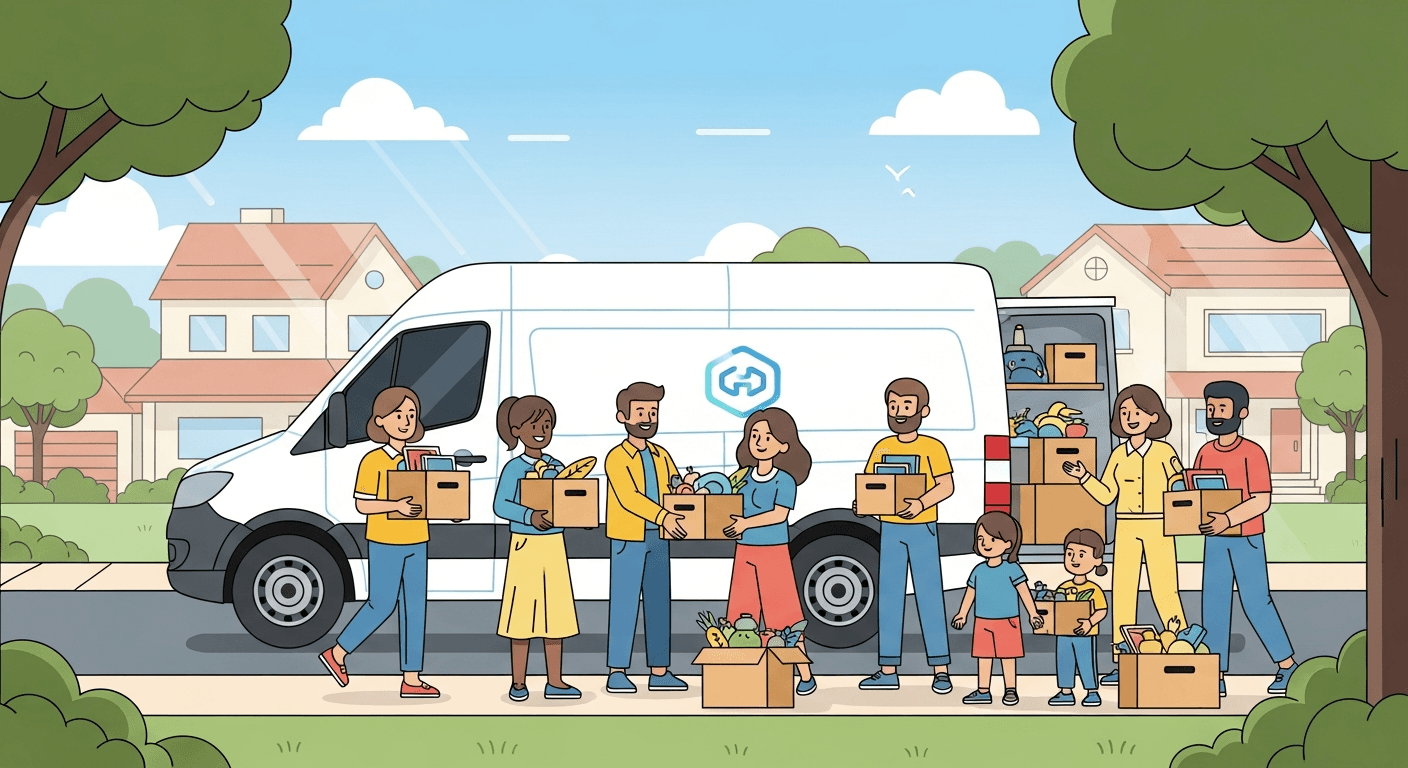
How Donor Dispatch works
From request to pickup in three simple steps — no phone tag, no spreadsheets.
Donor Submits a Request
Donors visit your store's branded donation page and fill out a guided multi-step form — adding their address, selecting an available pickup slot, and uploading photos of each item they're donating. Geofence verification ensures you only receive requests within your service area.
Staff Reviews & Assigns
Your team receives the request in the dashboard. Staff review the donated items (with photos), accept or reject individual items, set or update the pickup date, and assign a driver from your team — all without leaving the browser.
Driver Picks Up & Completes
The assigned driver sees their schedule in the mobile app, navigates to the donor's address, and marks the pickup as complete. The donation status updates in real time — and a confirmation email with a donation tax receipt is automatically sent to the donor.
Everything you need to run a donation program
One platform handles the full lifecycle — from donor submission to driver completion and everything in between.
Smart Scheduling
Donors pick from AM or PM slots based on your store's availability. Blocked dates, recurring weekdays, and holidays are automatically grayed out. Slot limits enforce your daily capacity.
Geofenced Service Areas
Define exactly where you pick up using a radius circle, a custom-drawn polygon, or a drive-time boundary. Donors outside your zone see a clear message — and can't accidentally book a pickup you can't serve.
Driver Management
Add drivers with profile photos, assign them to specific pickups, and track completions in real time. Drivers see their assignments in the mobile app — no extra tools needed.
Analytics Dashboard
Scorecards for total, pending, completed, and rejected donations. Line charts for volume trends, pie charts for status breakdowns, and activity logs showing who did what and when.
Role-Based Access
Store Owners manage their location and add managers. Store Managers handle daily operations. Drivers get everything they need through the mobile app. Everyone gets exactly the access they need — nothing more.
Stripe Payments
Donors can optionally contribute to cover delivery costs via Stripe. Your store connects through Stripe Connect and receives contributions directly. Each donation card shows payment status and the Payment Intent ID.
Item-Level Control
Each donated item within a request can be individually accepted or rejected — with a required rejection reason. Rejections can be undone. No need to reject an entire donation just because one item doesn't qualify.
CSV / Excel Export
Export any filtered view of your donation log as an Excel file in one click. Filter by status and date range first — the export respects your filters so you get exactly the data you need.
Automated Tax Receipts
When a driver marks a pickup complete, a donation confirmation email with a tax receipt is automatically sent to the donor. No manual follow-up needed — donors get the documentation they need for tax purposes instantly.
Manual Entry
Got a walk-in or phone call? Staff can manually log donations directly from the calendar — including donor details, items, photos, and scheduled pickup time — without needing the donor to use the form.
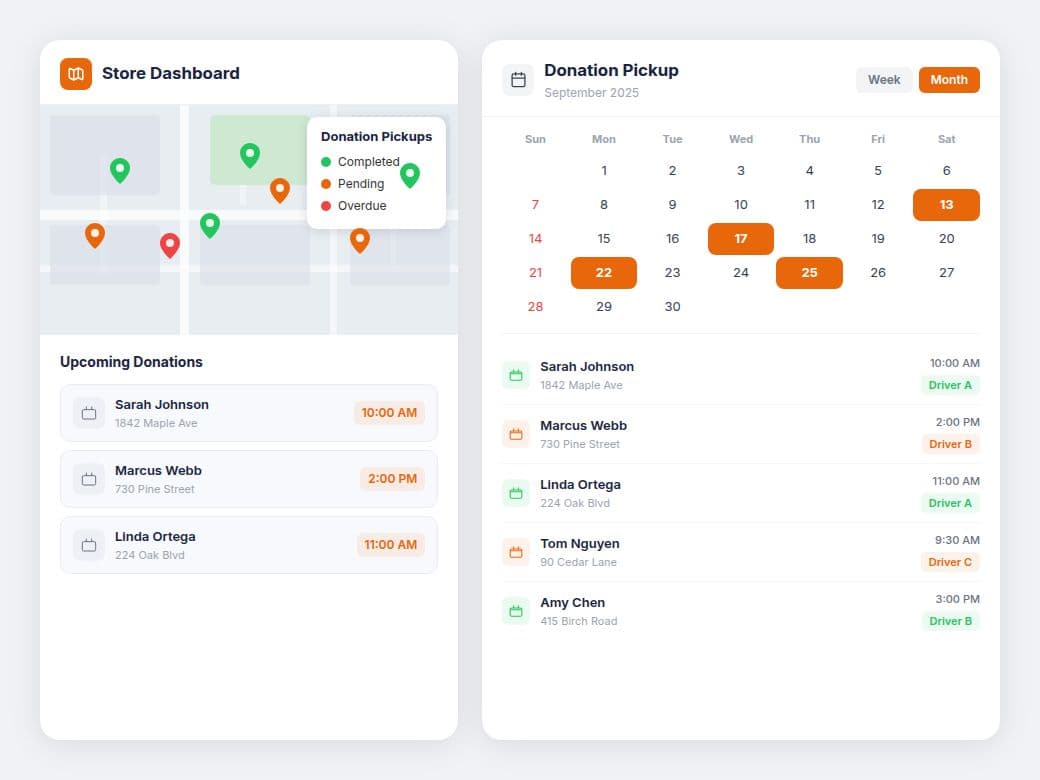
Mission control for your entire operation.
Stop managing donations in spreadsheets. The store dashboard gives you at-a-glance metrics, real-time status tracking, and full control over every pickup request.
- Scorecards: Total, Pending, Completed, and Rejected donations
- Line chart of donation volume over time
- Pie chart of current status distribution
- Month, Week, and Day calendar views for scheduling
- Filterable donation log with date range and status tabs
- Interactive map showing each donor's exact location
- Driver assignment dropdown directly on each donation card
- Full-size lightbox image viewer for item photos
- Activity feed showing who did what and when
Make giving effortless for your donors.
Each store gets its own branded donation page at a unique URL — no login required for donors. A guided multi-step form walks them through the entire process from address to pickup to payment.
- Smart address autocomplete with instant suggestions as you type
- Donors outside your service area are blocked automatically
- Multi-item support with required photo uploads (max 30MB each)
- AM/PM slot picker respects your daily capacity limits
- Inline validation with auto-scroll to the first error
- Restricted items list visible to donors before they submit
Only serve the areas you can actually reach.
Draw your pickup zone once — Donor Dispatch enforces it automatically on every donation request. No more out-of-range pickups slipping through.
Radius Circle
Set a center point and a distance in miles. Any donor within that circle qualifies. The Haversine formula calculates the exact distance — simple and fast to configure.
Custom Polygon
Click-to-draw a freeform boundary on the map — follow city limits, highway edges, or neighborhood lines exactly. Drag vertices to fine-tune the shape at any time.
Drive-Time Boundary
Enter a number of minutes (e.g., 20 min). The system calculates the exact area your driver can reach by car within that time — and uses that as your service zone automatically.
When a donor's address is outside every geofence, they see a clear message with your store's phone and email — so they can still reach out directly.
The right access for every role.
Three distinct roles keep your team organized — owners set the rules, managers run the day-to-day, and drivers handle the pickups.
- Full access to their store's dashboard
- Create additional store locations
- Add and manage store managers
- Configure geofence service area
- Set up Stripe payment processing
- Edit all store settings and operating hours
- Full daily operational access
- Manage donations, drivers, and calendar
- Review and act on all donation requests
- Assign drivers and update pickup schedules
- Edit store settings and geofence
- Export donation data to CSV / Excel
- View assigned pickups via the mobile app
- Navigate directly to each donor's address
- Review donated item photos before arrival
- Mark pickups complete in real time
- Status syncs instantly with the dashboard
Built for drivers. Loved by managers.
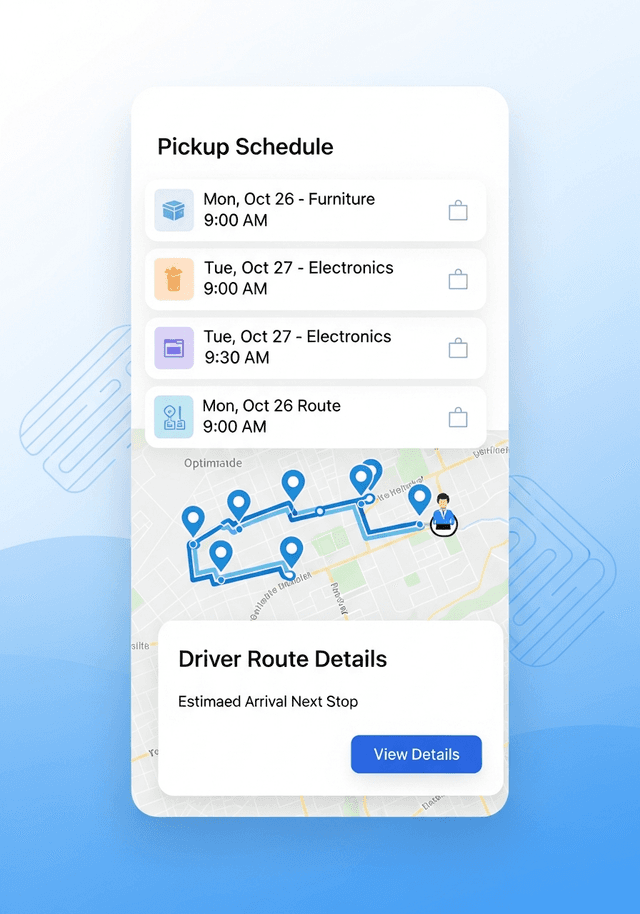
The native mobile app puts everything your team needs in their pocket. Drivers see their assigned pickups, navigate to donor addresses, and mark completions on the go — while managers stay in full control from their phone.
- View assigned pickup routes and donor details
- Navigate directly to each donor's address
- Mark pickups complete in real time
- Review donation item photos before arrival
- Real-time status sync with the web dashboard
- Works seamlessly alongside the browser platform
Simple, transparent pricing
One plan. Every feature. No surprises. Cancel anytime.
Per Store / Month
Everything included. Cancel anytime.
- Branded public donor portal with unique URL
- Geofenced service area (radius, polygon, or drive-time)
- Multi-step donation form with photo uploads
- AM/PM slot scheduling with capacity limits
- Full store dashboard with scorecards and charts
- Month, week, and day calendar views
- Driver management and real-time assignment
- Item-level accept/reject with reason capture
- Stripe Connect for donor delivery contributions
- CSV / Excel export with filter support
- Role-based access (Owner, Manager)
- Manual donation entry for walk-ins
- Activity feed and audit log
- Automated tax receipt email on pickup completion
- iOS & Android mobile app for drivers
Ready to transform your donation logistics?
Join the stores and nonprofits already using Donor Dispatch to streamline their operations and serve their communities better.